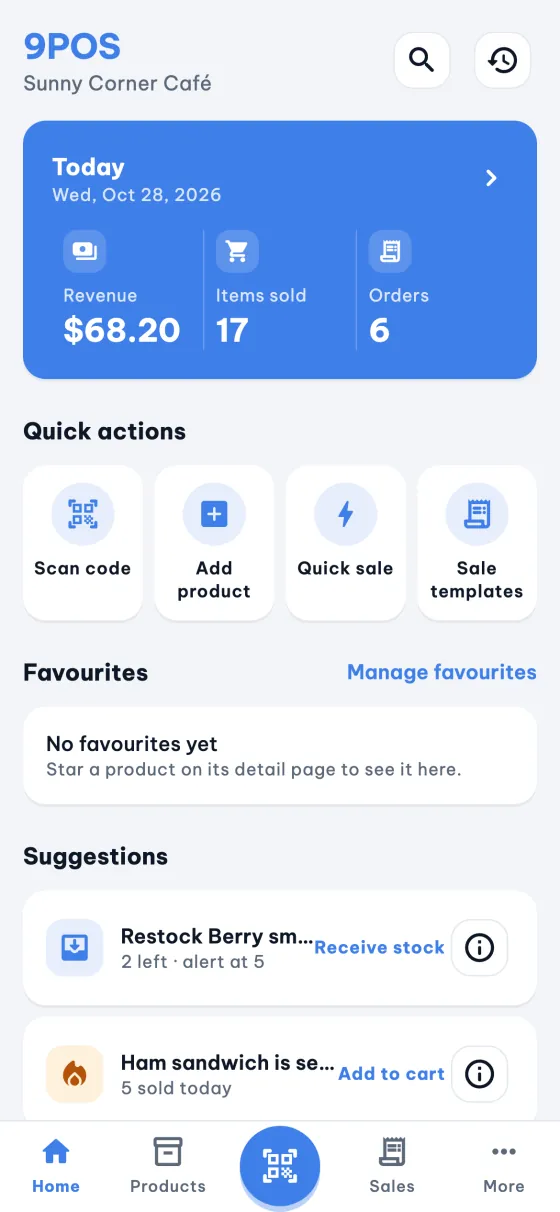
9POS runs your counter on a phone or tablet: scan, sell, take payment, print the receipt and watch your stock. No internet, no sign-up, and your shop data stays on your device.
Android and iOS, phones and tablets. Free, with no Pro tier.
Sunny Corner Café
#0142 · 08:42
Latte×27.00
Ham sandwich×15.50
Avocado toast×16.00
Total$18.50
Paid · QR pay
Thank you, see you soon
Works offline
No account
Data stays on your device
Free, no Pro tier
12 languages
01Features
Everything a small counter needs
Built for cafés, food stalls, groceries and mini-marts: fast at the till, tidy at the end of the day.
Sell fast
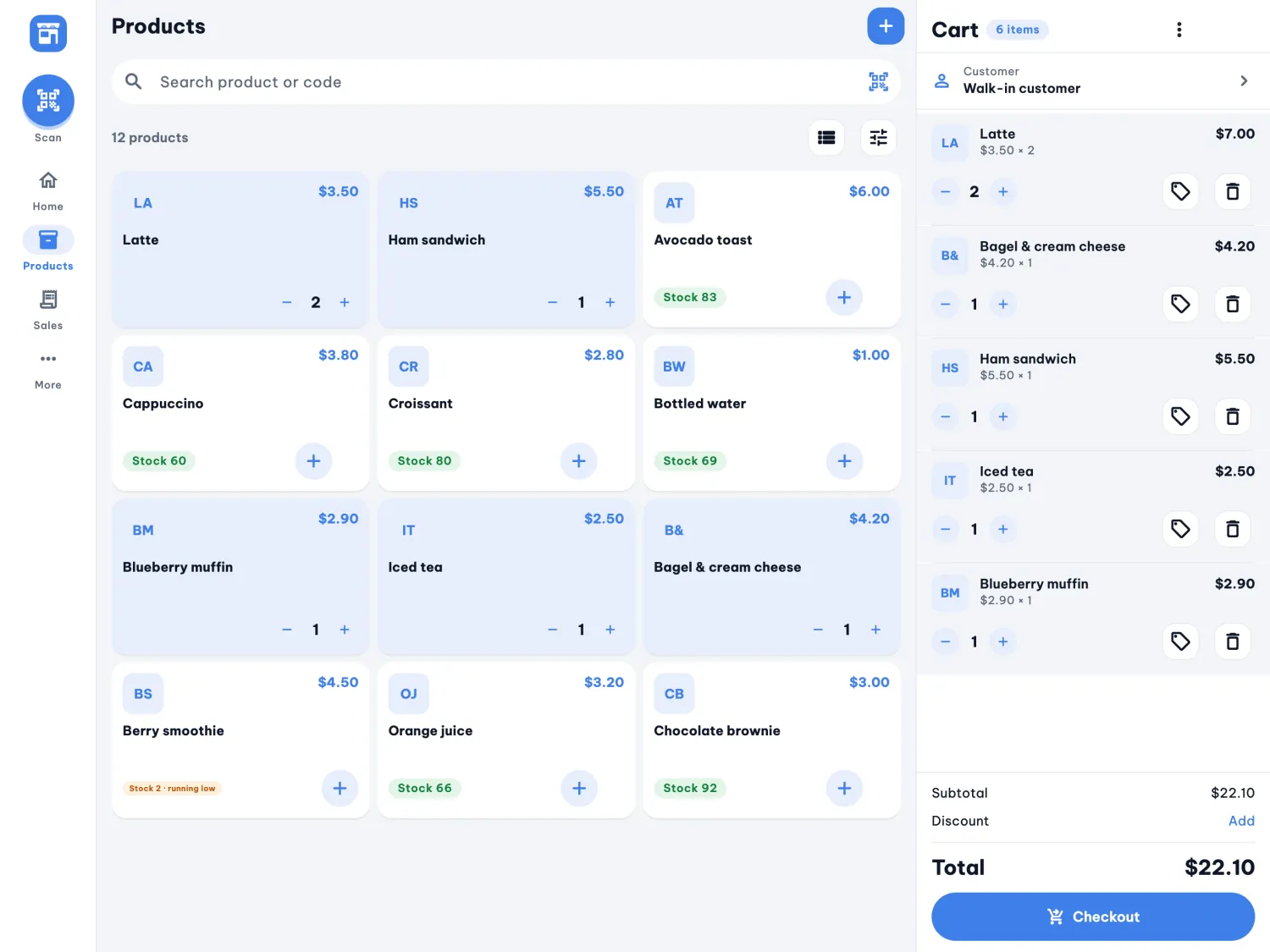
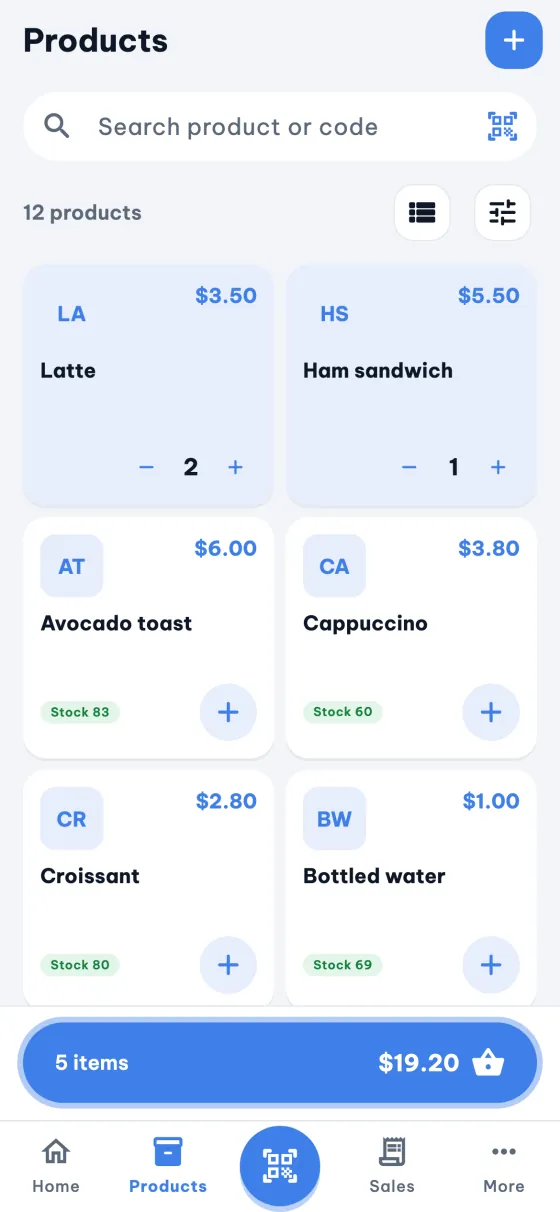
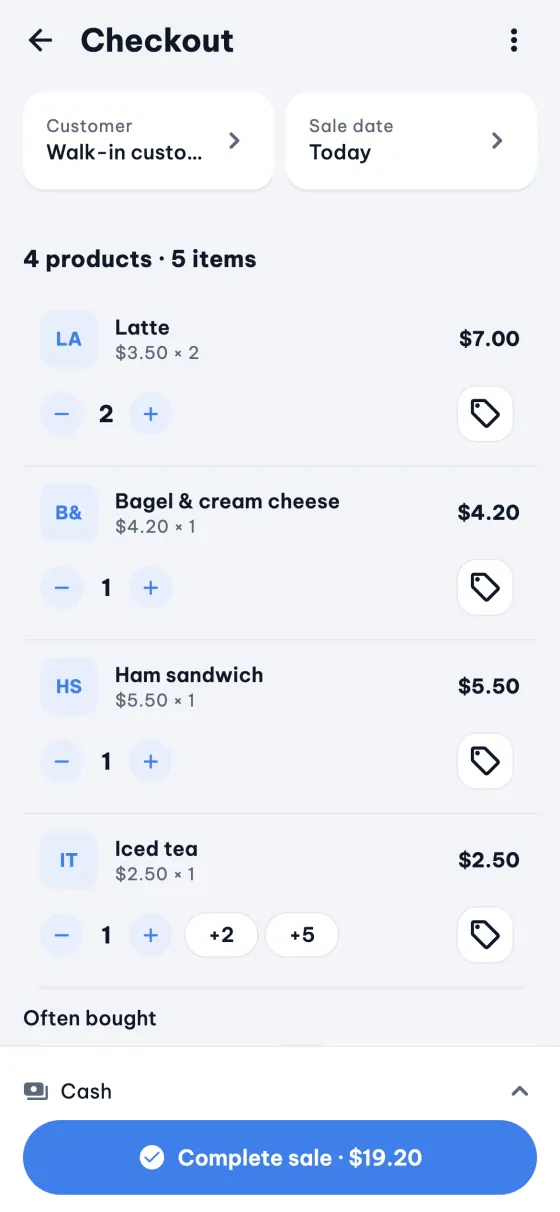
Scan barcodes and QR codes with the camera or an external scanner, tap products in the grid, or ring up a custom amount in a second. Hold carts while a customer decides, and reuse sale templates for your regular orders.
Camera scan · HID scanner · Quick sale · Held carts · Templates · Quantity keypad
Get paid your way
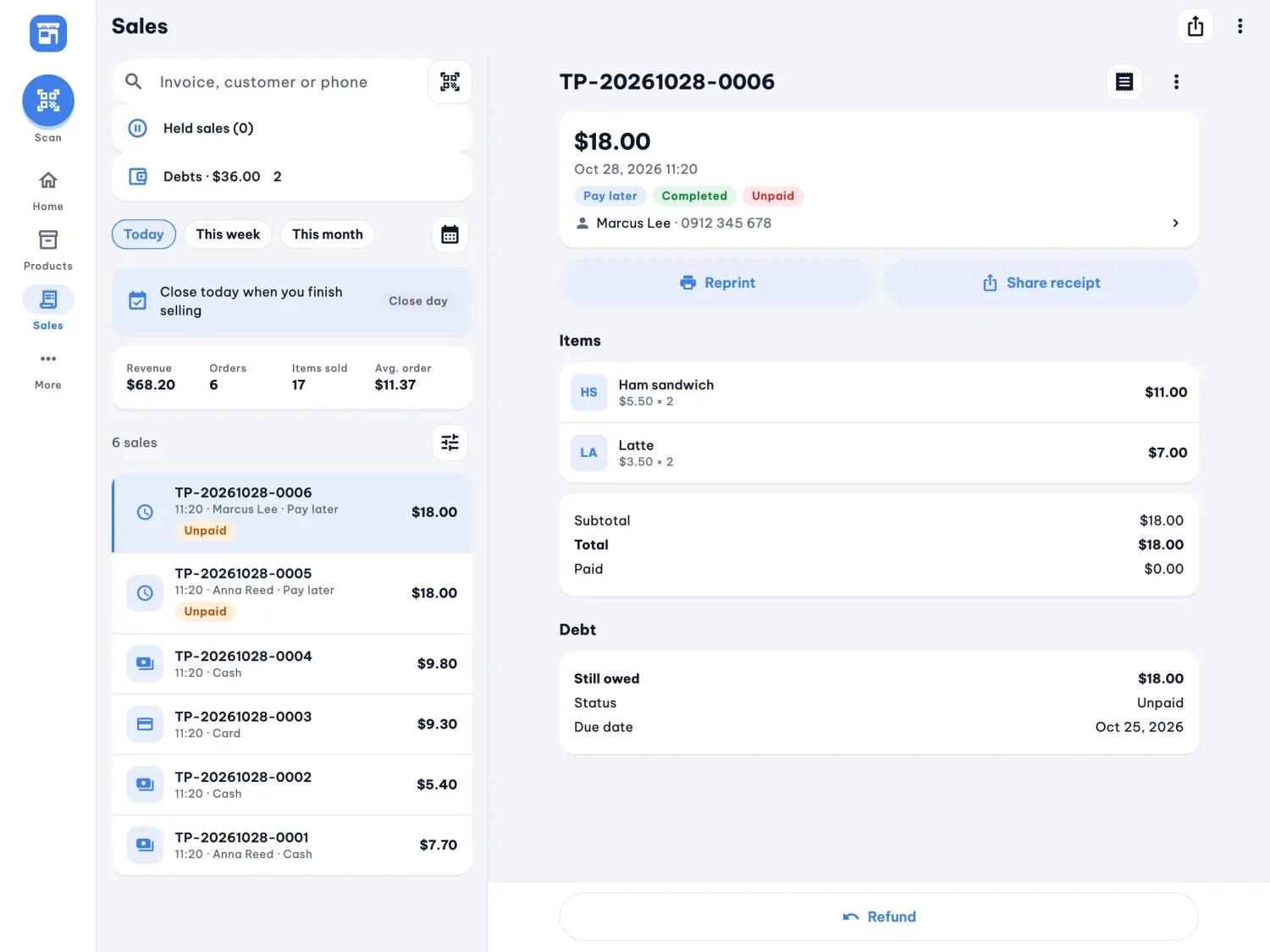
Cash, card, bank transfer or a QR code on screen. Let a regular pay later, record a partial payment, and see who owes what.
Cash · Card · Bank transfer · QR pay · Pay later · Partial payments
Receipts and labels
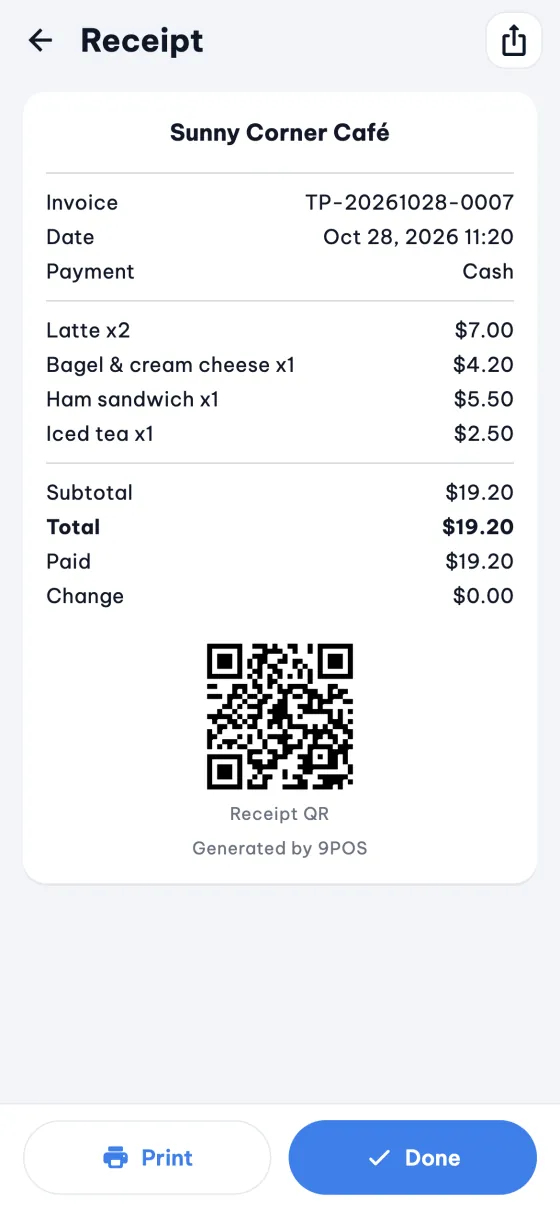
Print on 58 mm or 80 mm Bluetooth thermal printers, with proper Vietnamese accents. Thai, Hindi, Chinese and Japanese receipts print as pictures. Share a PDF, add a receipt QR, print labels.
58 / 80 mm · Accents · Picture receipts · PDF share · Receipt QR · Labels
Stock that keeps up
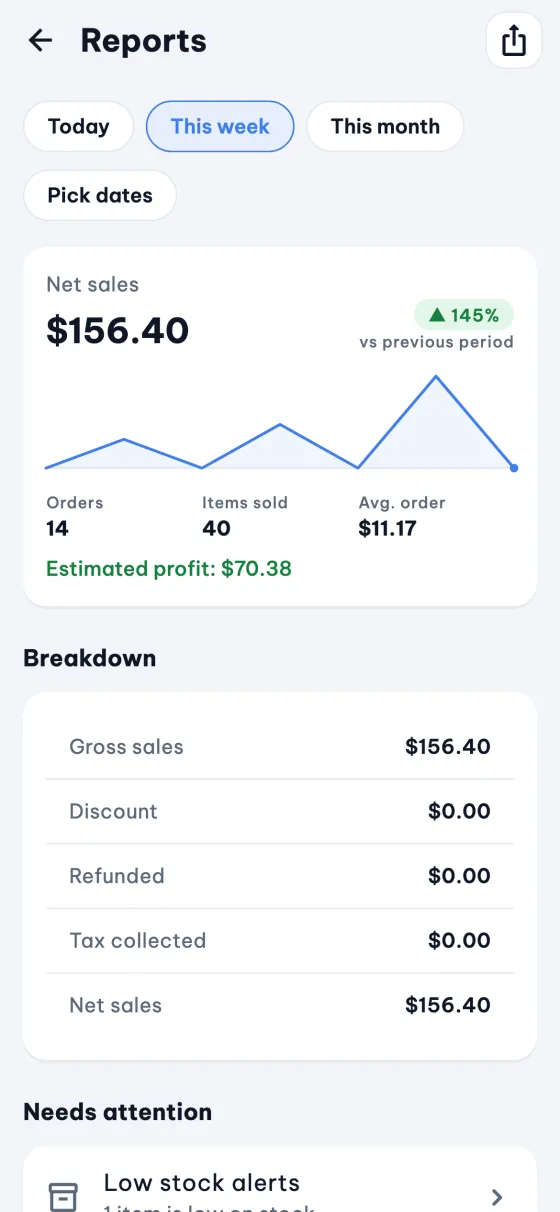
Variants and categories, stock tracking, low-stock alerts and a restock list. Receive deliveries, count the shelf, review every movement, and import or export products as CSV.
No. Selling, printing over Bluetooth, stock and reports all work offline. You only need a connection to download the app, to share files or to open links.
Do I need an account?
No. There is no sign-up. You enter your shop name and currency and start selling.
Where is my data stored?
On your device. It leaves only when you create a backup, export a file or share a receipt. Read the privacy policy for the details.
Which printers work?
Bluetooth thermal receipt printers in 58 mm and 80 mm. Pair the printer in your phone's Bluetooth settings first, then pick it in More, Hardware, Receipt printer. The help centre has a troubleshooting guide.
Can I use a barcode scanner?
Yes. The camera scans barcodes and QR codes, and USB or Bluetooth scanners that type like a keyboard (HID mode) work on the Scan tab.
How much does it cost?
Nothing. 9POS is free and there is no Pro tier.
How do I move to a new phone?
Create a backup in More, Backup and restore, keep the file somewhere safe, then restore it in 9POS on the new phone.